Minecraft Role Icons for Discord
53 free, transparent PNG icons for your Discord community: Owner, Admin, Moderator, Support, Developer and more. Head versions keep the same motif and add gold trim.
PNG · 64, 128 & 256 px · Transparent · No account needed
Team roles

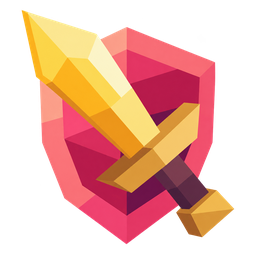
Admin


Bots

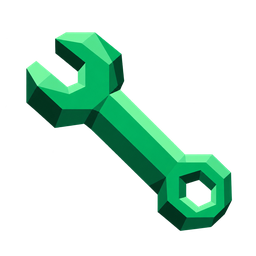
Developer

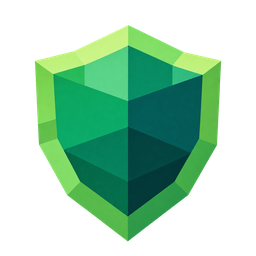
Moderator

Head Moderator

Support


Helper

Trial Moderator

Community Manager

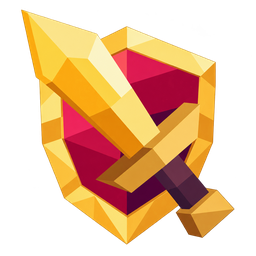
Head Admin

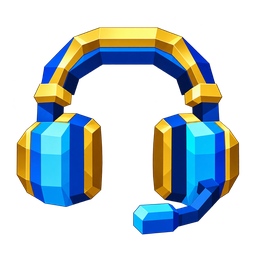
Head Support

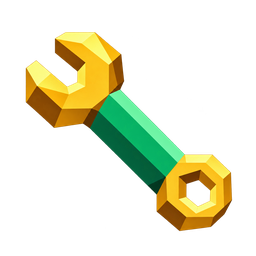
Head Developer


Head Helper

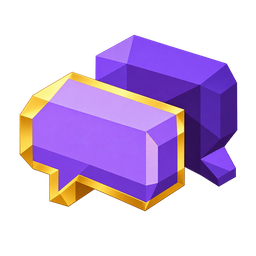
Head Community Manager

Community
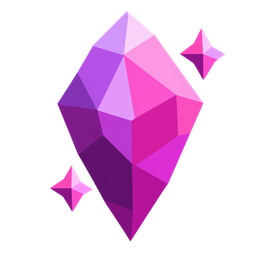
Booster Crystal

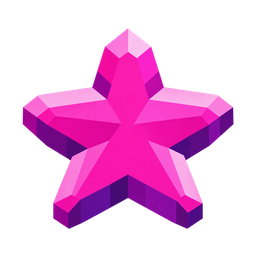
Booster Star

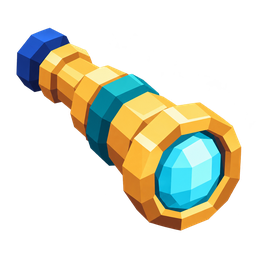
Explorer

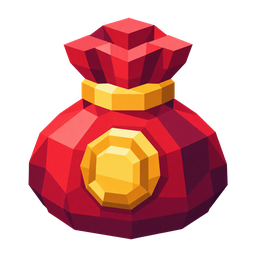
Donator

User

Newcomer


Verified

Member

Events

Premium

VIP

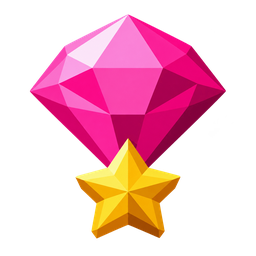
VIP Plus

Shields
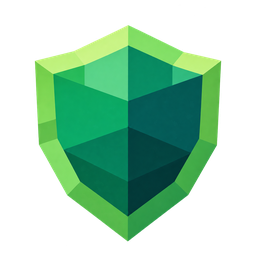
Green Shield

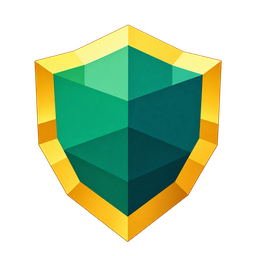
Green Shield — Gold Trim

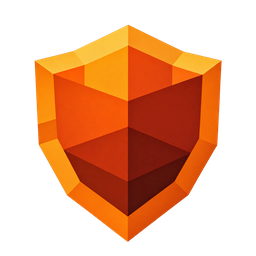
Orange Shield

Orange Shield — Gold Trim

Red Shield

Red Shield — Gold Trim

Tools
Blue Paintbrush

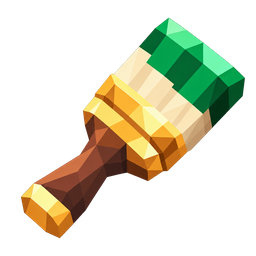
Green Paintbrush

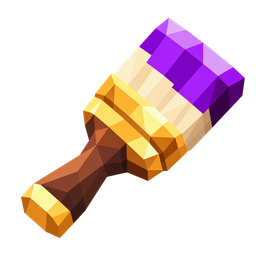
Purple Paintbrush

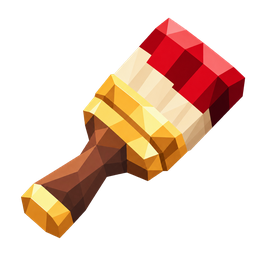
Red Paintbrush

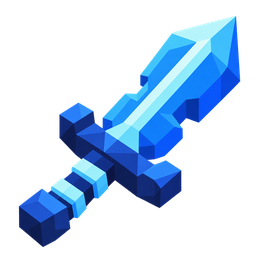
Blue Sword

Green Sword

Purple Sword

Red Sword

Blue Wrench

Green Wrench

Purple Wrench

Red Wrench

Creators
Movie

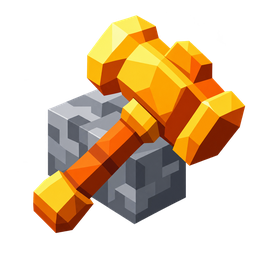
Builder

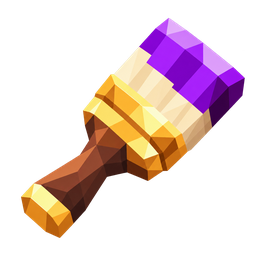
Designer

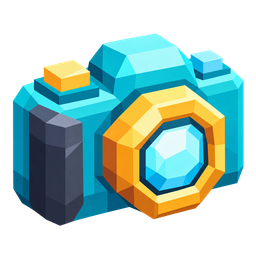
Content Creator

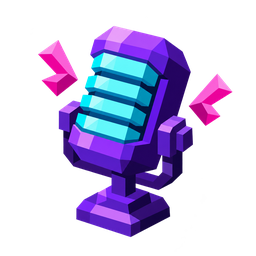
Streamer

Video Creator

Music

Special roles
Bug Hunter

Beta Tester

Choose an icon. Make it your own.
Download an individual 64 × 64 PNG, or get the ZIP with all three sizes. Use Edit to open a Minecraft preset in Role Customizer, adjust its size and placement, and export your own collection. The artwork keeps its original colors.
What distinguishes normal and Head icons?
Admin, Moderator, Support, Developer, Helper and Community Manager come as matching pairs. Head variants use integrated gold borders or fittings instead of a separate crown.
Which PNG size should I choose?
Start with the 64 × 64 transparent PNG for a role icon. The ZIP also includes 128 × 128 and 256 × 256 versions for larger previews. All three export sizes are below 256 KB per icon.
Do I need an account or an upload?
No account is required to download these icons. Role Customizer stores your project in your browser and processes your selected artwork locally.